
Asset GuaranteeCrypto TermsTGEcosystem
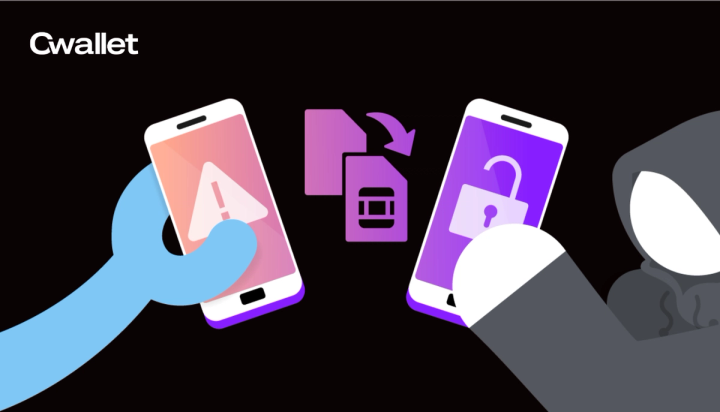
What Is a SIM Swap Attack And How to Protect Your Crypto
A SIM swap attack hijacks your phone number to bypass 2FA — here's how it works and how to stop it.
A SIM swap attack hijacks your phone number to bypass 2FA — here's how it works and how to stop it.

Telegram wallet allows you to manage your cryptocurrency transactions, purchase, sell, transfer, and receive any supported cryptocurrency using an easy-to-use chatbot interface, without needing difficult processes or technical understanding.

Telegram is best known as a secure instant messaging tool, but its usefulness extends beyond communication. Pioneering entrepreneurs are discovering Telegram's potential as an undiscovered e-commerce sector.

A cryptocurrency trading bot is a software program that interacts with cryptocurrency exchanges to evaluate trading data, make choices based on this data, and then place buy or sell orders on the trader's behalf.

you can opt to sign in through your Telegram account. All you have to do is click the button that says "Continue with Telegram." You will be redirected to enter your telegram details, which are required to log in.

Discord & Telegram bots have revolutionized community management for crypto projects by enhancing engagement, communication & automation. These bot-enabled platforms provide real-time communication, foster community engagement, facilitate tipping & rewards & offer analytics & insights.

Tipping bots in community-based social apps like Telegram and Discord work by sharing crypto from one user to another within a group or server with simple commands. As a result, users can make payments or send tips without revealing sensitive information about their crypto holdings.
After selecting a preferred subscription plan, the bot will prompt your members to pay with cryptocurrency via a link or an easy-to-scan QR code, and once the payment is confirmed, they are automatically added to the Telegram group. No manual verification is required

within the Cwallet web/mobile app, locate the "bots" page, where you will see a list of all your groups that have enabled the bot. Find your desired group and click on it to access the group settings. Once you're within your group settings, look for the "Message Management" option.